
This document contains instructions for using GSM SIM cards. It introduces the functions, size, type, lifespan, PIN code, PUK code, PUK2 code, IP address, phone number, SMS settings, MMS settings, GPRS settings, etc. of SIM cards.
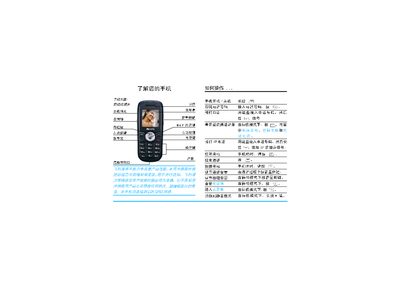
The manual introduces the phone’s hardware layout, explains how to power the device on and off, insert the SIM card and battery, and navigate the main menu. It covers essential functions such as making and receiving calls, dialing IP numbers, using the camera, sending SMS, and adjusting volume and silent mode.
Additional sections describe quick‑access features, battery charging procedures, and a troubleshooting guide. The document ends with customer service terms and warranty information for Philips phones. This manual is written in Chinese.
Press and hold the power key.
Connect the charger to the bottom port, ensuring the arrow on the plug matches the phone’s charging socket.