
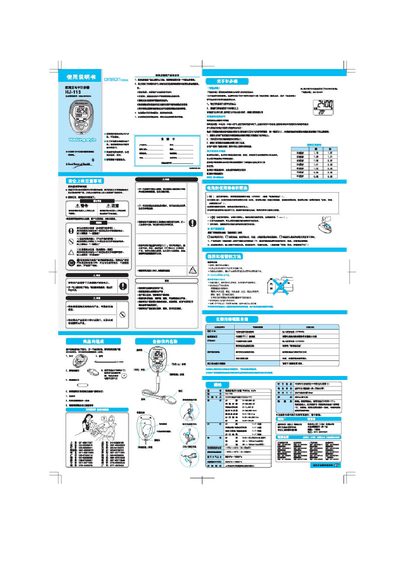
This manual explains how to install the CR2082 battery, set the step length (2‑120 cm), and configure personal data such as weight and time. It also describes how the device counts steps, displays walking time, and records activity data.
The guide includes procedures for viewing stored data for up to seven days, troubleshooting tips for inaccurate measurements, and details on the device’s buttons and display functions. This manual is written in Chinese.
| Battery type | CR2082 |
|---|---|
| Step length setting range | 2–120 cm |
Insert the supplied CR2082 battery with the correct polarity as shown in the manual.
Use the setting function to adjust the step length within the range of 2 to 120 cm.
Press the memory button to browse data for the past 1 to 7 days.