
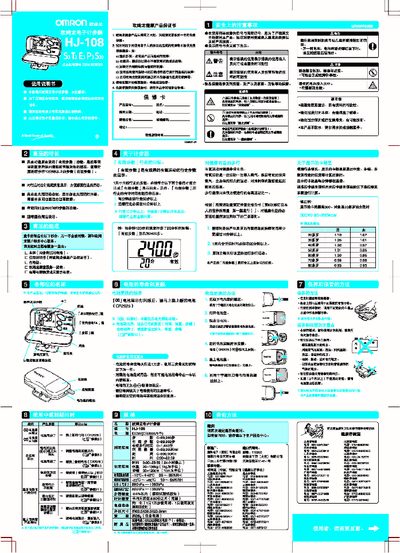
The Omron HJ-108 is a pedometer designed to count effective steps, which are defined as walking at a speed of 60 steps or more per minute for at least 10 consecutive minutes. It also displays the total distance walked and calculates calories burned based on the user's weight and walking speed. The device features a night light function for visibility in low-light conditions and a digital display for time and step count. This manual is written in Chinese.
| Effective Step Criteria | 60 steps/min for 10 minutes |
|---|---|
| Accuracy | ±5% |
| Battery Type | CR2025 |
| Battery Life | 1 year |
An effective step is counted when walking at a speed of 60 steps or more per minute for at least 10 consecutive minutes.
Press and hold the Reset button for 1.5 seconds or more to reset all values to zero.
The pedometer has an accuracy of within ±5% when walking correctly on flat ground.