
This manual introduces the use of digital cameras.
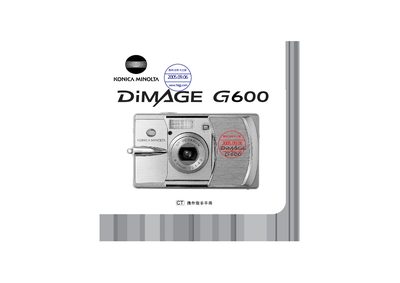
This manual for the Konica Minolta Dimage G600 scanner covers setup, software installation, and basic operation of the device. It includes information on connecting the scanner via USB, using the Dimage Viewer software, and handling the unit safely.
The document also lists the technical specifications, physical dimensions, power requirements, and environmental limits of the scanner, as well as maintenance and troubleshooting guidance.
| Dimensions (W × H × D) | 94.0 × 56.0 × 29.5 mm |
|---|---|
| Weight | 195 g |
| Power Input | AC 100‑240 V, 50/60 Hz |
| Operating Temperature | 0 °C – 50 °C (32 °F – 122 °F) |
The scanner operates on AC 100‑240 V at 50/60 Hz.
The device measures 94.0 mm × 56.0 mm × 29.5 mm (W × H × D).
It can be used from 0 °C to 50 °C (32 °F to 122 °F).