
29F3A-PY-5 HDTV YPbPr/VGA HDTV
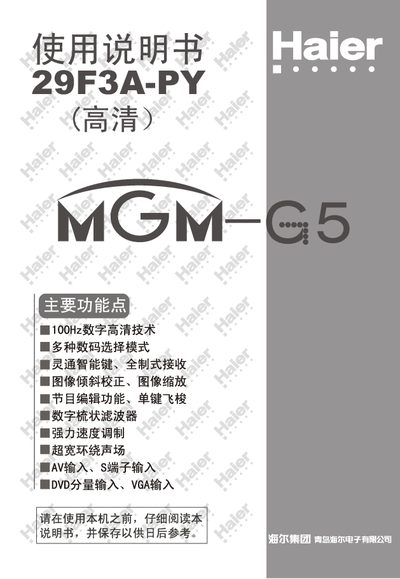
This manual provides safety instructions, quick start steps, and detailed operating procedures for the Haier 29F3A-PY color TV. It covers remote‑control setup, antenna connection, input/output interfaces, picture and sound adjustments, channel tuning, timer functions, and maintenance guidelines.
The document also includes a troubleshooting guide for common issues such as picture distortion, audio noise, and power problems, plus a specification table summarizing key technical data of the television. This manual is written in Chinese.
| Model | 29F3A-PY |
|---|---|
| Screen Size | 29" CRT (diagonal 68 cm) |
| Color System | PAL50/60, NTSC, SECAM |
| Audio Output Power | 5 W |
| Power Supply Voltage | AC 150‑250 V 50/60 Hz |
| Power Consumption | 180 W |
| Dimensions (W×H×D) | 724 mm × 550 mm × 600 mm |
Press the numeric key 1 on the remote control and hold it for about 6 seconds; the TV will start automatic channel tuning.
Remove any nearby electronic devices that may cause interference, turn the TV off for at least 120 minutes, then turn it on again.
Insert the antenna plug into the rear antenna connector and then plug the power cord into an AC outlet.