
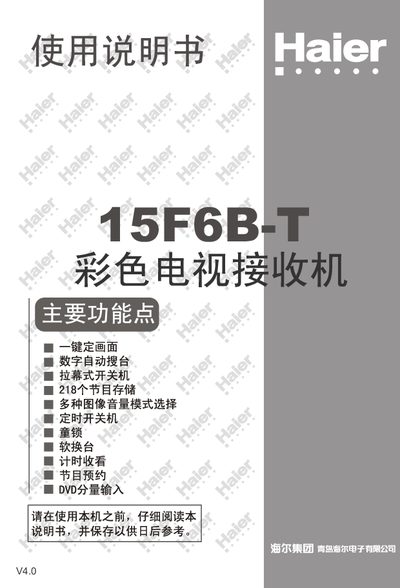
This manual covers safety precautions, proper installation, and quick‑start guidance for the Haier 15F6B‑T color television. It explains how to connect the antenna, insert batteries into the remote, and use basic functions such as power on/off, channel selection, and picture mode settings.
Further sections describe advanced features like program scheduling, game control, and troubleshooting, followed by a full list of technical specifications, warranty information, and contact details for Haier support. This manual is written in Chinese.
| Color System | PAL, AV NTSC 3.58, NTSC 4.43 |
|---|---|
| Audio System | IK (B6G, 1, M) |
| Display | 15" flat CRT (minimum diagonal 36 cm) |
| Audio Output Power | 3 W (distortion‑free) |
| Power Supply Voltage | 220 V 50 Hz |
| Power Consumption | 70 W |
| Dimensions (W×H×D) | 410 mm × 365 mm × 348 mm |
Press and hold the numeric key 1 on the remote for about 6 seconds; the TV will begin auto‑searching for channels.
Hold the numeric key 0 on the remote for about 6 seconds; the TV will restore factory picture, sound, and function settings.
It is recommended to use a 75 Ω coaxial cable to reduce interference from radio waves.
Two AA batteries typically last about one year under normal use.