
This is the user manual of Haier 25T7A-T TV, which introduces the basic features, technical specifications, installation and use connection, power on/off, watching TV programs, tuning, convenient image and sound adjustment functions, timing functions, and settings.
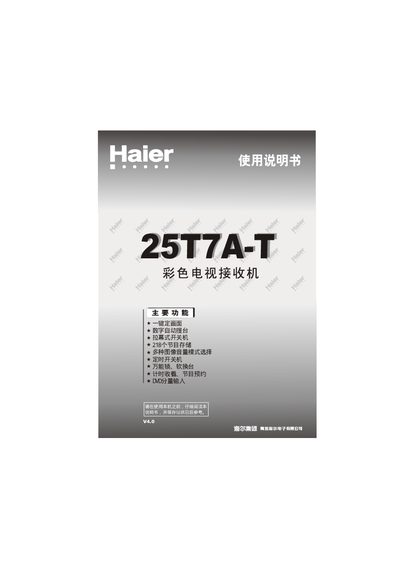
This manual introduces the Haier 25T7A-T color television, highlighting its main functions such as one‑key picture preset, automatic channel search, curtain‑type power switch, and storage for up to 218 programs. It also describes supported video standards (PAL, SECAM, NTSC) and the built‑in remote control features.
Installation guidance covers proper placement, ventilation, antenna connection, and recommended cable types. Detailed sections explain the front and rear panel controls, remote‑control keys, external audio/video input methods, and how to perform routine maintenance and abnormal checks. This manual is written in Chinese.
| Screen size | 25" CRT |
|---|
Press the numeric “1” key for about 6 seconds while the TV is on; the picture brightness, contrast, color, and sharpness will automatically adjust to the preset state.
Verify the antenna direction and connections, ensure the volume is not muted, and check that no nearby magnetic appliances are causing interference.
Leave at least 15 cm of space between the TV and the wall to ensure proper ventilation.