
32F3A-N is a TV of Philips brand. Its features are: PAL, SECAM, NTSC3.58, NTSC4.43, D/K, I, B/G, M video formats
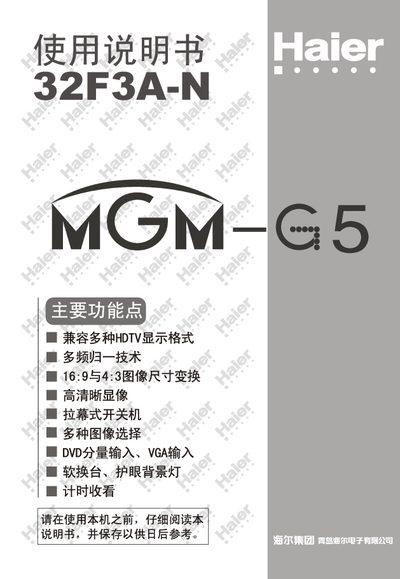
This manual provides step‑by‑step instructions for setting up and using the Haier 32F3A‑N television, including quick start procedures, basic and technical operations, and how to connect antennas and peripherals. It also contains safety warnings, maintenance tips, and a detailed parts layout.
The document lists the television’s technical specifications, such as screen size, power requirements, audio output, and remote‑control battery type, and offers a troubleshooting table for common issues like power loss, no sound, or picture disturbances. This manual is written in Chinese.
| Model | 32F3A-N |
|---|---|
| Screen type | 32" flat CRT |
| Power supply voltage | AC 150V‑250V 50Hz/60Hz |
| Power consumption | 245 W |
| Dimensions (mm) | 840 × 585 × 578 |
| Audio output power | 12 W + 12 W |
| Remote control batteries | 2 × AA (5号) |
| Color system | PAL/SECAM NTSC3.58 NTSC4.43 |
Press the MENU key on the remote, then select the “自动搜台” function to start searching for channels.
Verify that the power cable is properly connected to the outlet.
Open the battery compartment, insert two AA (5号) batteries with correct polarity, and close the cover.
Insert the antenna plug into the rear connector and use a 75 Ω coaxial cable, keeping it separate from power cables.