
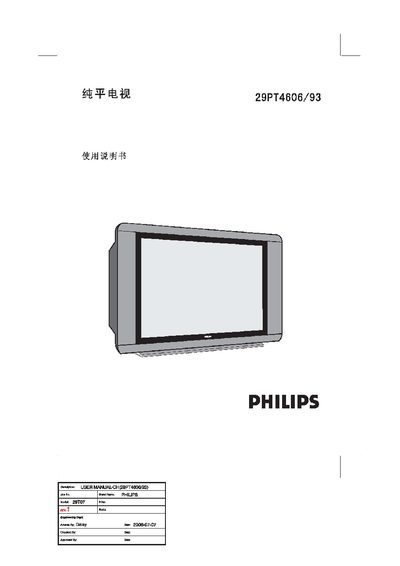
This manual guides you through the safe installation of the Philips 29PT4606/93 television, including required clearances, power connection, and antenna setup. It also explains how to operate the remote control, adjust picture and sound modes, and use the automatic channel search feature.
Technical details such as screen size, power specifications, audio output, and dimensions are listed, along with troubleshooting tips for common issues like a flashing green indicator or a white line on the screen. This manual is written in Chinese.
| Screen diagonal size | 720 mm |
|---|---|
| Visible picture area | 680 mm |
| Power supply | AC 220 V, 50/60 Hz |
| Audio output | 6 W + 6 W |
| Net weight | 43.5 kg |
| Preset channels | 256 |
Press the 7 key on the remote to launch the auto‑search; the TV will scan all available channels and display the progress.
Unplug the main power plug and reconnect it after a short wait.