
Instruction manual, introducing the features and characteristics of the product, including operating precautions, recording precautions, saving recorded data precautions, preventing the camera from being shocked or vibrated precautions, fall sensor function introduction, working temperature precautions, when the camera is connected to the computer precautions, in high altitude areas Using the camera precautions, disposal/transfer precautions, language settings precautions, etc.
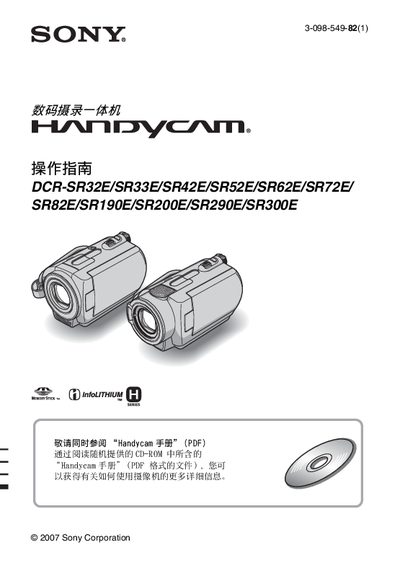
The manual covers safety precautions, proper handling, and environmental warnings for Sony Handycam camcorders. It explains how to avoid fire, electric shock, and damage to the internal hard‑disk, and notes that the device is not dust‑proof, rain‑proof, or waterproof.
Key sections guide users through checking included items, charging the NP‑FH battery packs, powering on the camera, setting date/time and language, preparing for recording, using playback functions, and troubleshooting common issues such as drop‑sensor activation and USB connection problems. This manual is written in Chinese.
| Remote‑control battery | Sony CR2025 button cell |
|---|
No, the camcorder is not dust‑proof, rain‑proof, or waterproof.
The remote control uses a Sony CR2025 button cell battery.
You can change the screen language in the camera’s menu before use.