
DCR-SR35E/SR36E/SR45E/SR46E/SR55E/SR65E/SR75E/SR85E Handycam Camcorder Manual, introduces the use of the camera, precautions and other
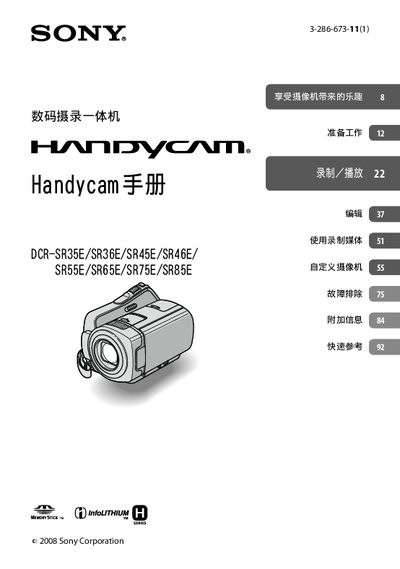
This manual explains how to operate the Sony Handycam series (models DCR‑SR35E through DCR‑SR85E). It covers safety precautions, power‑on procedures, menu navigation, and how to record and playback video using the built‑in LCD display.
Key sections include memory‑card usage (Memory Stick PRO Duo and PRO‑HG Duo), installation of the camera on a Handycam Station, troubleshooting tips, and maintenance recommendations such as data backup and cleaning. The document also provides quick‑reference tables for button functions and indicator lights. This manual is written in Japanese.
| Water resistance | Not waterproof or water‑resistant |
|---|
No, the camera is not waterproof or water‑resistant.
Turn the POWER switch to the OFF (0) position before removing the battery or disconnecting the AC adapter.