
This document is an operating guide for the digital camcorder DCR-HC37E/HC38E/HC45E, released by Sony Corporation in 2007. The document includes instructions for recording/playback, using menus, copying/editing, using a computer, troubleshooting, and additional information.
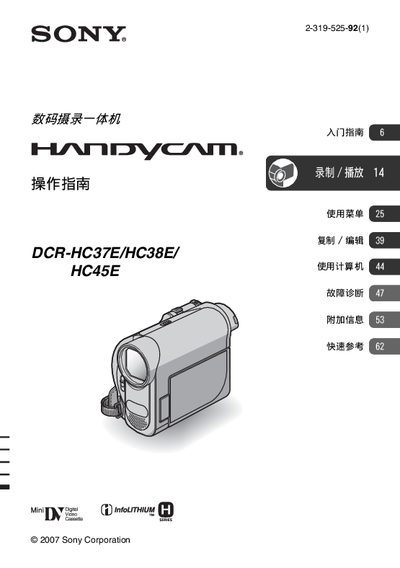
This manual covers safety precautions, proper handling, and environmental warnings for the DCR‑HC37E/HC38E/HC45E camcorders. It explains how to connect the device to a computer via USB or 13.LINK, how to attach the optional AC adapter, and how to use the LCD panel and viewfinder.
Detailed sections describe battery charging procedures, compatible memory cards, connection to the Handycam Station, and troubleshooting steps for common issues such as LCD errors or power failures. A specifications section lists key hardware details, and an index helps locate topics quickly. This manual is written in Japanese.
| Battery model | NP-FH30 |
|---|
Only small‑sized "WI" format memory cards are supported; cassette memory is not compatible.
Use the USB or 13.LINK connector, making sure the plug is inserted in the correct orientation before connecting.