
The document describes the features and characteristics of a product, including its specifications, functions, and advantages.
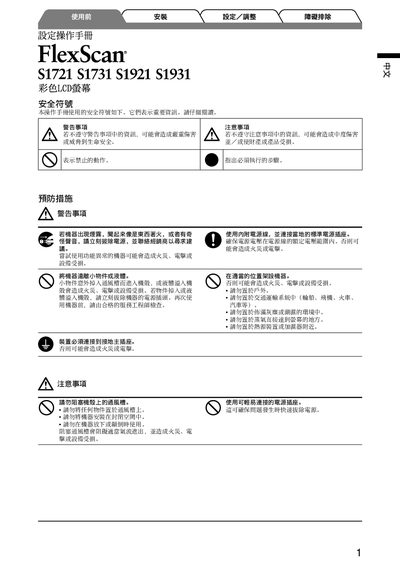
This manual covers safety information, proper handling, and required precautions before using the FlexScan LCD screens. It explains how to connect power, select the correct input, and install the optional EZ‑UP mounting bracket.
The guide also details adjustment functions such as brightness, volume, and automatic picture tuning, as well as troubleshooting procedures for power‑indicator issues and signal problems. Connector types, supported resolutions, and accessory information are included. This manual is written in Chinese.
| Maximum Analog Resolution | 1280 x 1024 @ 75 Hz |
|---|
Use the brightness adjustment function keys (e.g., the keys marked 6 or 9) to increase or decrease the brightness level.