
This document introduces the functions and overview, settings and adjustments, cable connections, and preventive measures of the color LCD monitor.
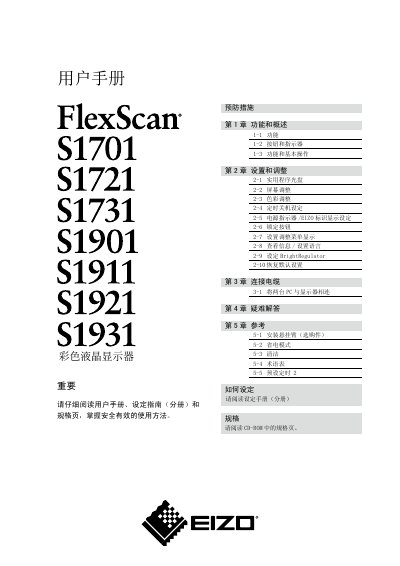
The document begins with safety symbols and precautionary measures, explaining how to install the monitor on a stable surface, connect power and video cables, and adjust basic settings such as brightness, contrast, and color. It also details proper handling of the LCD panel, grounding requirements, and environmental restrictions.
Subsequent sections cover everyday operation, including using the BrightRegulator, selecting display modes, and adjusting screen geometry. A FAQ section answers common questions about abnormal sounds, eye‑strain prevention, and prohibited outdoor use, while the reference part lists recycling information and contact details for EIZO support. This manual is written in Chinese.
| Pixel defect rate | 99.9994% or higher |
|---|---|
| Supported video interface | VGA |
Immediately disconnect the power source and stop using the monitor.
Take a ten‑minute break every hour of use.
No, the monitor must not be placed outdoors.