
This manual introduces the operation methods of the Olympus C-4040ZOOM digital camera, including major features, operation methods, and a quick start guide
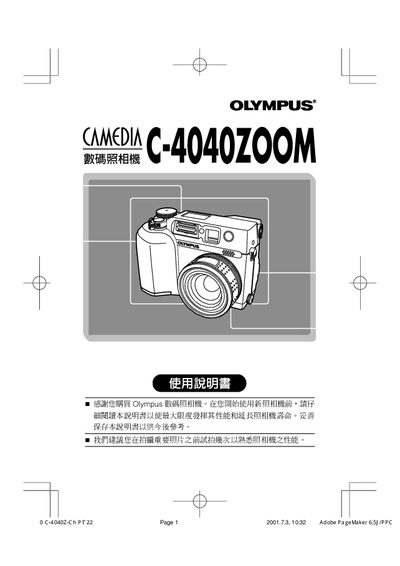
This manual explains how to install the battery, set the date and time, and use the various shooting modes of the Olympus C-4040ZOOM digital camera. It also covers playback functions, ISO sensitivity, white‑balance settings, and continuous shooting options.
Safety notices, component identification, and troubleshooting tips are included to help users get the most out of the camera while maintaining safe operation. This manual is written in Chinese.
| ISO Sensitivity | 110 |
|---|
Use the 日期 /時間設定 function to adjust the date and time.
Select the desired mode from the MODE MENU.
Set the ISO感光度 value, e.g., 110, in the ISO setting menu.
Choose AUTO, PRESET, or custom white‑balance options in the white‑balance menu.