
This document is a manual for Olympus digital cameras, providing instructions on usage and maintenance, and recommending users to take a few test shots before using the camera to familiarize themselves with its performance. The manual also mentions the trademarks of the camera and the standards it complies with.
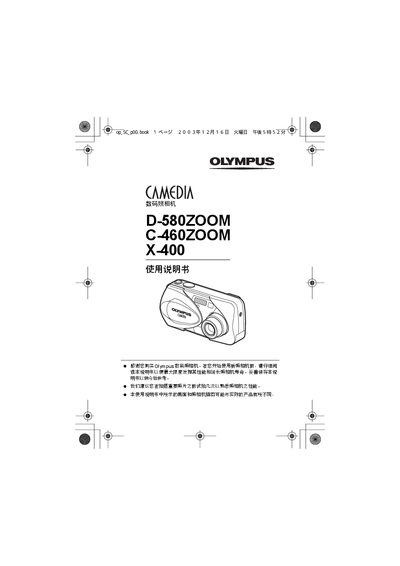
This manual introduces the functions of the Olympus D‑580ZOOM, C‑460ZOOM, and X‑400 digital cameras and explains safe handling, basic operation, and how to get the most out of each model. It includes sections on shooting modes, playback, screen setup, and printing options such as DPOF and PictBridge.
Additional chapters cover advanced features like pixel mapping, video output, and troubleshooting steps. Contact information for Olympus regional offices and service centers is provided at the end of the document. This manual is written in Japanese.
| Model | D-580ZOOM / C-460ZOOM / X-400 |
|---|
The DPOF function allows you to set printing options for photos directly from the camera.
Connect the camera to a PictBridge‑compatible printer and select the PictBridge mode to print directly.