
This document is a user manual for Olympus digital cameras, providing information about the camera's performance and how to use it.
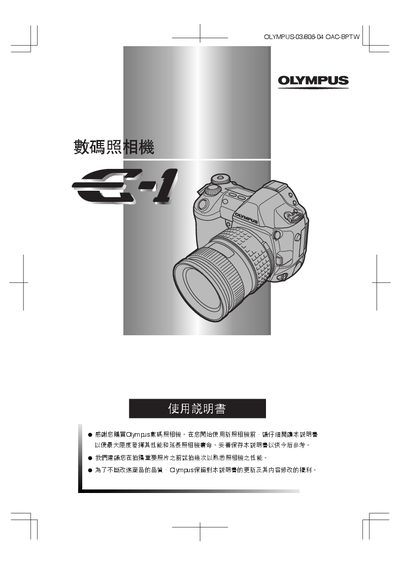
This manual introduces the Olympus E-1 digital camera, covering safety information, FCC and CE compliance, and basic handling. It explains the control panel indicators, LCD display functions, battery checks, and installation steps for attaching the camera head and memory.
Detailed sections describe recording modes, auto‑focus functions, exposure and white‑balance settings, image quality adjustments, and how to connect the camera to a PC using Windows or Macintosh operating systems. The guide also includes maintenance procedures, cleaning mode, and a specifications summary. This manual is written in Japanese.
| FCC compliance | Part 15 |
|---|---|
| CE marking | Yes |
The contact phone number for Olympus America is 631‑844‑5000.
The CE marking shows that the product meets European safety, health, and environmental requirements.