
This document is the owner's manual for the FUJIFILM A100/A150 digital camera, describing the basic operations and features of the camera, as well as playback, photography, connections, and troubleshooting.
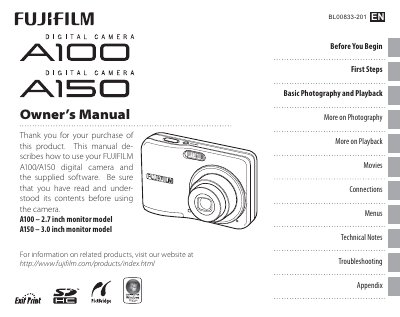
This manual explains how to set up and use the Fujifilm A100 and A150 digital cameras, covering everything from inserting batteries and memory cards to basic shooting modes and playback functions. It also includes a quick reference Q&A section for common tasks.
Additional sections cover advanced features such as intelligent face detection, flash control, macro shooting, video recording, and connecting the camera to a TV or computer. The appendix provides technical specifications, optional accessories, and a glossary of terms.
| Monitor size | 2.7‑inch (A100) / 3.0‑inch (A150) |
|---|---|
| Battery type | AA alkaline (LR6) batteries (x2) |
| Memory card compatibility | SD and SDHC memory cards |
Use the Date and Time setting in the camera’s menu to set the clock.
Adjust the Auto Power Off option in the Setup menu to disable automatic shutdown.
Enable the Discharge setting to allow higher capacity usage of Ni‑MH batteries.
Connect the camera to a TV using the appropriate cable and select the TV viewing option in the menu.