
This is a document that describes the use of Fuji Digital temperature Controller
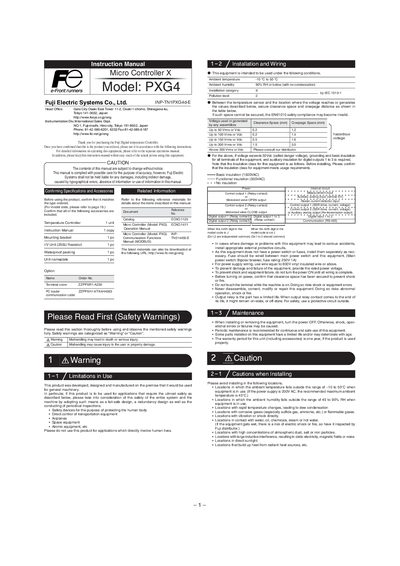
This manual explains the safety precautions and intended use of the Fuji PXG4 Micro Controller X digital temperature controller. It warns against using the device in applications that directly involve human lives and outlines the required environmental limits.
The guide covers installation and mounting, wiring diagrams, display functions, parameter configuration, advanced features such as auto‑tuning, and password/key‑lock procedures. Detailed dimensions, voltage limits, and insulation classes are also provided to ensure proper integration into machinery.
| Ambient temperature range | -10 °C to 50 °C |
|---|---|
| Ambient humidity range | 45 % to 90 % RH |
| Insulation class | Basic insulation (1500 VAC) / Functional insulation (GQOVAC) |
| Recommended fuse rating | 250 V 1 A |
Do not use the controller in applications that directly involve human lives, avoid mishandling that could cause injury, and follow all warning and caution statements in the manual.
Insert the controller into the panel cutout, attach the supplied packing, and tighten the mounting screws until no gaps remain, ensuring the front remains NEMA‑4X waterproof.
The controller operates between –10 °C and 50 °C and 45 % to 90 % relative humidity.
Enter the password menu, display password 1, press the designated key, and input a hexadecimal value (0000‑FFFF) to save the password.