
This document is a user manual for the FUJIFILM CX-550 image processing device, which describes the usage methods and various printing functions of the device. The document also includes safety precautions and preparation work for using the device.
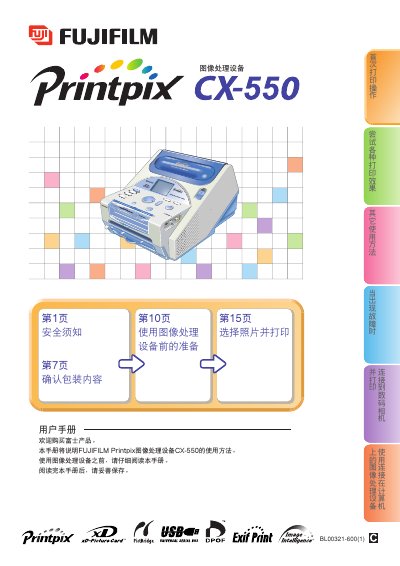
This manual covers the safe operation of the Fujifilm CX‑550 printer, including warnings, handling of liquids, and regular cleaning. It explains how to install the device, connect it to a computer via USB, and load media such as xD‑Picture Cards or PC memory.
The guide also details printing functions: selecting print sizes, printing multiple images on a single sheet (up to 25 per sheet), using DPOF data, and troubleshooting common issues. A specifications section lists supported print dimensions and media types. This manual is written in Chinese.
| Maximum print size | 4" x 7" (100 mm x 178 mm) |
|---|---|
| Supported media | xD‑Picture Card and PC memory |
The maximum print size is 4" × 7" (100 mm × 178 mm).
Up to 25 images can be printed on a single sheet, depending on the selected layout.