
The document describes a product with different features and characteristics from 1 to 16. It includes three different volume settings, namely Volume0, Volume0, and Volume0. The features of this product include volume adjustment and multiple mode options.
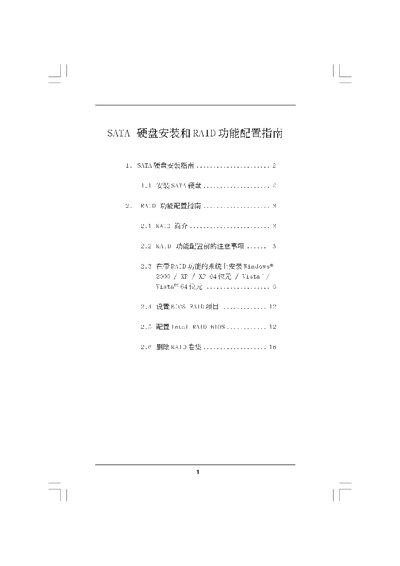
This manual explains how to install SATA hard disks and set up RAID functions on ASRock platforms. It covers the physical installation of the drives, BIOS configuration, and the steps required to install Windows on a RAID array.
The document also describes each supported RAID level (RAID 0, RAID 1, RAID 10, RAID 5), provides precautions before configuring RAID, and includes instructions for creating and deleting RAID volumes using the Intel Matrix Storage Manager. This manual is written in Chinese.
| RAID 0 description | Improves data access performance, no redundancy |
|---|---|
| RAID 1 description | Mirrors data for redundancy |