
This manual introduces how to use Canon PowerShot S400 camera.
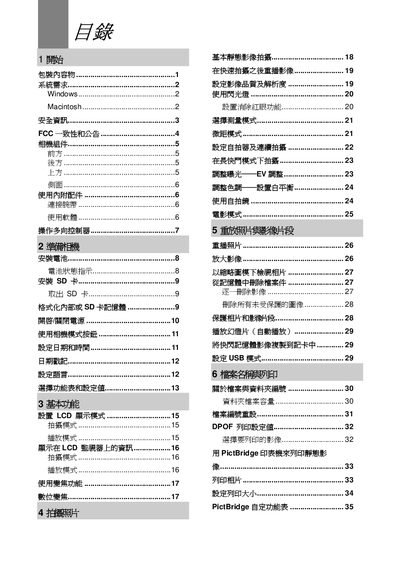
The manual begins with safety warnings and a list of package contents, then describes the camera's components, basic functions, and various shooting modes such as auto, macro, and self‑timer. It also covers image quality settings, LCD display options, and how to use accessories like the flash and lens.
Later sections explain how to connect the camera to a computer via USB, install and use the accompanying software (Roxio PhotoSuite), and perform common maintenance tasks. The troubleshooting appendix lists typical problems such as battery orientation errors, power issues, and SD‑card errors, with step‑by‑step solutions. This manual is written in Japanese.
| LCD size | 1.5" TFT |
|---|---|
| Maximum image resolution | 2592 x 1944 |
| ISO sensitivity | 100 |
Reinstall the battery in the correct orientation.
Select the reset option in the menu to restore default settings.
Use the USB cable to connect the camera to the computer.
It shows the countdown before the photo is taken in self‑timer mode.