
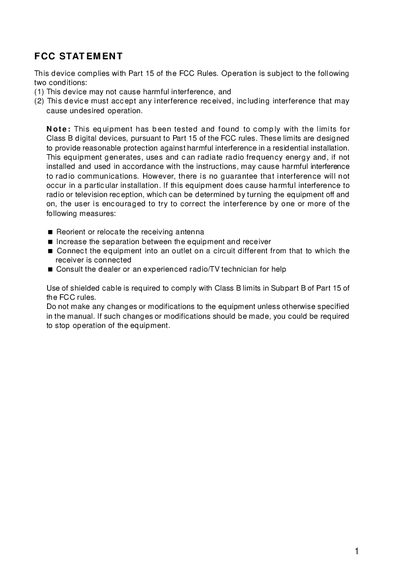
FCC Statement
This manual covers safety warnings, cautions, and proper handling of the digital camera, including battery installation, power‑adapter use, and environmental considerations. It also details how to connect the camera to a computer, install the provided software, and transfer images and video clips.
The guide walks you through the camera’s features such as the mode dial, LCD monitor, zoom functions, and menu options for recording, playback, and movie mode. A full specification table lists sensor type, resolution, optical zoom, power options, dimensions, and operating environment.
| Image sensor | 1/2.7" CCD |
|---|---|
| Maximum image resolution | 2048 x 1536 |
| Optical zoom | 10X optical zoom |
| Digital zoom | 1X to 4X |
| Power source | 4x AA Alkaline or Ni‑MH batteries, 2x CR‑V3, or AC power adapter (5.0V/3A) |
| Dimensions (W×H×D) | 109.6 mm × 76.8 mm × 66.0 mm |
| Weight | Approx. 310 g (without batteries and SD card) |
| Operating temperature | +0 °C to 40 °C |
| Storage temperature | -20 °C to 60 °C |
| Interface | AV terminal, USB connector, VIDEO OUT jack (NTSC or PAL), MIC terminal |
Insert the batteries with the correct polarity markings (+ and –) and use only the batteries specified for the camera.
The camera provides a 1× to 10× optical zoom range.