
This document is an FCC declaration that introduces a device that complies with FCC regulations. The device is required to meet the requirements for interference and accept interference, and provides users with some suggestions to improve interference. In addition, the document also mentions some precautions and warnings for using the camera.
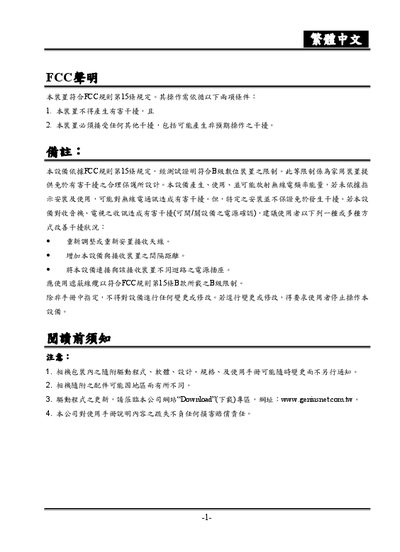
This manual begins with FCC compliance information and safety precautions for handling the camera, battery, and power sources. It explains proper use of AC power, battery installation, and warnings against misuse that could cause fire or damage.
The later sections detail the camera’s features, such as the 3.1‑megapixel sensor, LCD display, built‑in memory, and supported SD/MMC cards, as well as how to operate functions like USB image transfer, video output, and troubleshooting common issues. This manual is written in Chinese.
| Sensor resolution | 3.1 megapixels |
|---|---|
| Maximum image size | 2560 x 1920 pixels |
| LCD display | 13‑inch color LTPS LCD |
| External memory support | SD and MMC cards up to 1 GB |
| Dimensions (W×H×D) | 104.2 mm × 51 mm × 22.3 mm |
| Weight | ≈1108 g |
The camera can be powered by a rechargeable battery or an AC power adapter; use the specified AC adapter when the battery is depleted.
The camera supports SD and MMC cards up to 1 GB in capacity.
Connect the camera to a PC via the USB port and download the images using the provided software.
Check that the battery is correctly inserted and charged, or connect the AC power adapter and verify the power connection.