
This document is a user manual for a camera called product_name. It includes information on camera precautions, basic operations, menu settings, and driver installation.
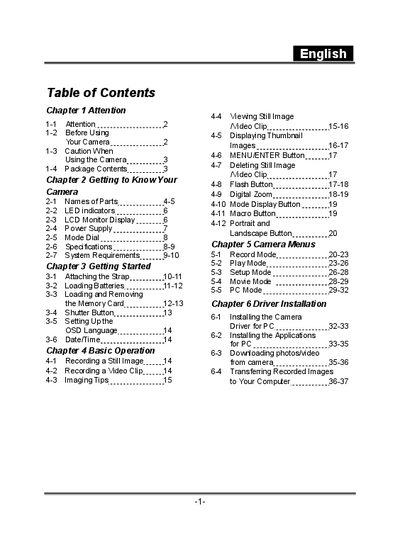
The manual begins with safety precautions and a description of the camera's parts, LED indicators, LCD display, power supply, and mode dial. It also lists the package contents and explains how to handle the device safely.
Subsequent sections cover basic operation such as taking still photos and video clips, using the camera menus, installing the PC driver, and transferring images or video to a computer via USB. Detailed steps for connecting, downloading, and managing files are included.
| Lens | 7.04mm |
|---|---|
| Image Sensor | 1/2" CMOS with 2.0 megapixels |
| Focus | F=2.8 |
| Sensitivity | ISO 100 |
| White Balance | Auto, Sunny, Cloud, Tungsten, Fluorescent |
| Shutter | Electrical |
| Shutter Speed | 1/15 sec. ~ 1/2000 sec. |
| Storage Media | 16MB internal flash, SD card slot |
| Image File Format | JPEG |
Slide the lens cover toward the left gently; the camera will turn on after you hear two beeps.
Install the USB driver from the supplied CD, connect the camera to a USB port, and copy the files from the removable disk that appears on the computer.
The green LED indicates power mode, while the red LED indicates flash mode.