
The document is an instruction manual for a digital camera, describing its features, functions, and operation methods.
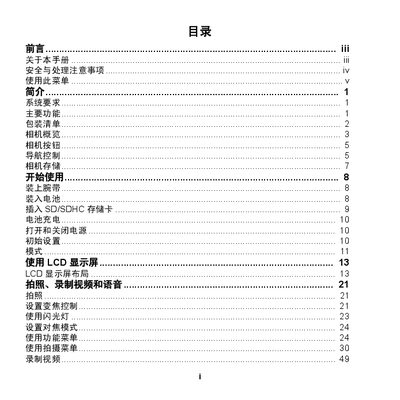
The guide provides step‑by‑step instructions for getting started with the camera, including installing the battery, inserting an SD/SDHC card, charging, and initial configuration. It also describes the main functions such as shooting photos, recording video, using the flash, and adjusting focus and zoom.
Additional sections cover advanced settings like LCD power‑saving, date/time, language, TV output, and connecting the camera to a TV, PC, or printer. The appendix contains specifications, FCC compliance information, and a troubleshooting guide. This manual is written in Chinese.
| Optical Zoom | 5× |
|---|---|
| Digital Zoom | 5× |
| Image Sensor | 1/2.3‑inch CCD |
| LCD Screen | 2.7‑inch color |
| Internal Memory | 32 MB |
| Supported SD Card Capacity | Up to 4 GB SD, 32 GB SDHC |
| Operating Temperature | -10 °C to 40 °C |
| Dimensions | 91.1 × 58.3 × 22.5 mm |
| Weight | ≈120 g |
Open the card slot and insert the SD or SDHC card as shown in the manual; the camera supports up to 4 GB SD and 32 GB SDHC cards.
The camera uses a lithium‑ion rechargeable battery; only the supplied battery and charger should be used.
Yes, the camera can be connected to a TV via the AV output cable.
Select the LCD power‑saving option in the settings menu to reduce display power consumption.