
This is a quick guide for a digital camera, introducing how to turn it on, take pictures, play back pictures, and record videos.
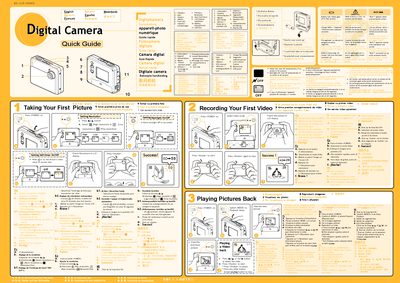
This guide provides concise instructions for using a digital camera, including how to power the device, select shooting modes, adjust resolution, and record video. It also explains how to delete images, manage the backlight, and transfer files to a computer via USB.
The manual includes multilingual notes (English, Spanish, French, Dutch, German, Turkish, Danish, etc.) and brief software installation steps for Windows platforms. Battery information, lens specifications, and storage capacity are also listed.
| Battery type | 1 AA Alkaline Battery |
|---|---|
| Image sensor | CMOS Sensor |
| Maximum image resolution | 2048 x 1836 (Fine) |
| High resolution | 1600 x 1200 |
| Low resolution | 640 x 480 |
| Lens aperture | F2.8 |
The camera is powered by a single AA alkaline battery.