
This is a technical guide for using the Canon C5000 Series printer. The guide covers the printer's features and capabilities, as well as how to use it to print documents, photos, and other materials.
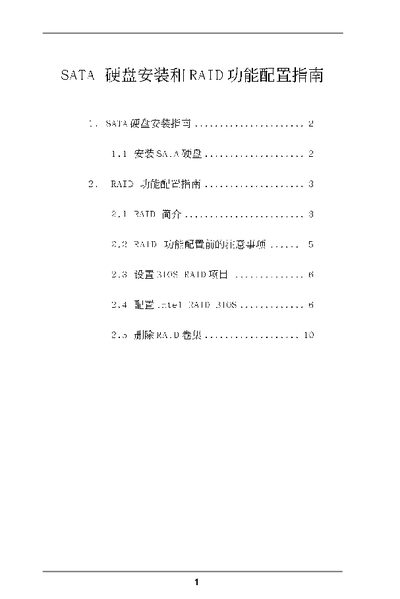
The manual provides step‑by‑step instructions for installing SATA hard disks on ASRock motherboards and for setting up various RAID configurations. It covers the required BIOS settings, RAID level selection, and volume creation procedures.
Additional sections describe precautions before configuring RAID, how to delete RAID volumes, and detailed explanations of each RAID level (0, 1, 5, 10, and Intel Matrix Storage). The guide is intended for end‑users and system builders who need to enable and manage RAID on ASRock platforms. This manual is written in Chinese.
Enter the BIOS setup, move the highlight to Advanced, and set the "Configure SATA as" option to RAID.