
This manual introduces the functions and usage of Nokia Audio Controller AD-44.
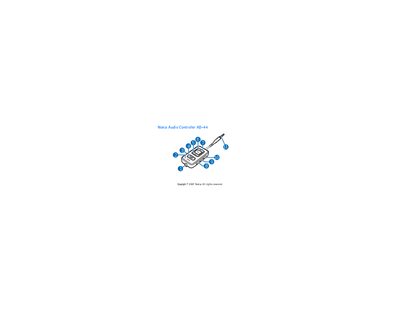
The Nokia AD-44 Audio Controller is used with a compatible Nokia mobile device that has the Nokia 2.5-mm AV connector and a compatible Nokia headset that has a 35-mm plug. Insert the headset plug into the headset connector and the controller plug into the AV connector on the mobile device.
The controller supports adjusting volume, making and answering calls, muting the microphone, playing music, and listening to FM radio. Keep the device dry and do not use or store it in dusty or dirty areas.
| Compatible mobile device connector | Nokia 2.5-mm AV connector |
|---|
Insert the plug of your headset into the headset connector, then insert the plug of the controller into the AV connector on your mobile device.
Yes. Start the radio feature of your compatible mobile device and press the fast forward or rewind key repeatedly to search for a previously saved radio channel.