
This is a Nokia BH-500 Bluetooth Headset User Guide.
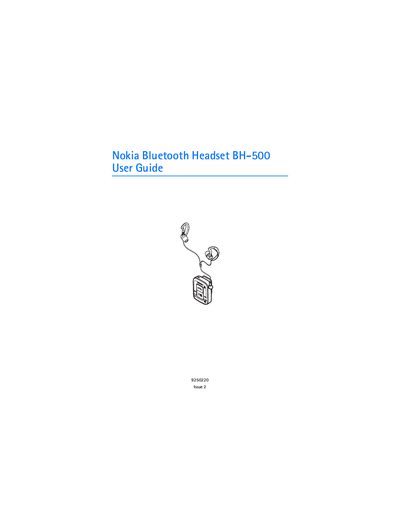
The Nokia BH-500 Bluetooth Headset lets you make calls and listen to music via a compatible mobile phone or music player. It uses Bluetooth 2.0 with several standard profiles and is water‑resistant for use in rain.
The guide covers charging the internal rechargeable battery, pairing with phones or music players, basic operation of keys, and maintenance tips such as cleaning after exposure to sweat or salt water.
| Bluetooth version | 2.0 |
|---|---|
| Supported Bluetooth profiles | Headset Profile 1.1, Handsfree Profile 1.5, Advanced Audio Distribution Profile 1.0, Audio Video Remote Control Profile 1.0 |
| Talk time | up to 8 hours |
| Standby time | up to 200 hours |
| Music playback time | up to 8 hours |
| Charging time | up to 2 hours |
| Battery type | internal, non‑removable, rechargeable |
| Water resistance | rain‑proof, not submersible |
Connect the approved charger to a wall outlet, open its protective cap, attach it to the headset, and wait until the indicator light turns green after about two hours.
Turn on the headset until the blue light flashes, enable Bluetooth on the phone, select "Nokia BH-500" from the device list, and enter the passcode 0000 if prompted.
The headset provides up to eight hours of talk time on a full charge.
Yes, it can be used in the rain, but it must not be submerged in water.