
This file is the user guide of Nokia Radio Headset HS-27R
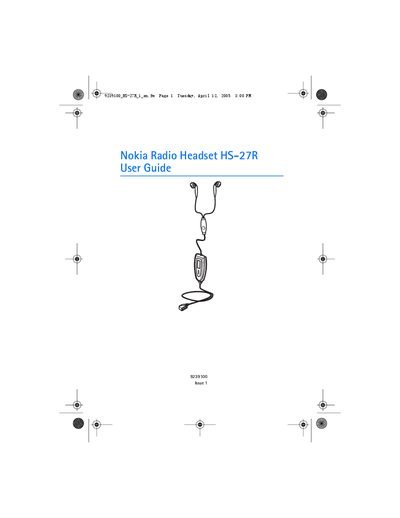
The Nokia Radio Headset HS-27R combines a stereo FM radio unit and a headset that connects to compatible Nokia phones via a Pop‑Port connector. The guide describes how to make and receive calls, listen to FM radio, and use voice dialing while the headset is attached.
It also provides instructions for adjusting volume, using automatic answer, searching radio channels, and detailed care and maintenance recommendations to keep the headset functional and safe.
Press the send/end button once to answer the call.
Press the power key on the headset to switch the radio on.
Turn the headset's volume roller, or use the phone's volume key, to increase or decrease the volume.