
Nokia BH-503 Bluetooth Stereo Headset User Guide
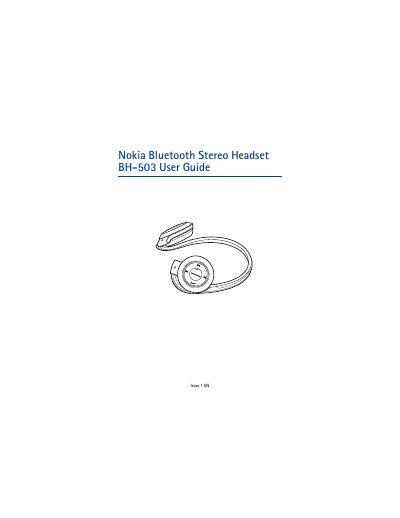
This guide introduces the Nokia BH-503 Bluetooth Stereo Headset, describing its features and the safety information needed before use. It explains Bluetooth wireless technology, the headset’s components, and the required chargers.
Key sections cover getting started, charging the battery, turning the headset on/off, pairing with phones or music players, basic use such as volume control and call handling, battery specifications, and care and maintenance recommendations.
| Bluetooth version | 2.0 + EDR |
|---|---|
| Supported Bluetooth profiles | Headset Profile 1.1, Hands‑Free Profile 1.5, A2DP 1.0, AVRCP 1.0 |
| Talk time (full charge) | up to 13 hours |
| Standby time (full charge) | up to 10 days |
| Music playback time (full charge) | up to 13 hours (75 min with 20 min charge) |
| Charging time (full charge) | up to 1 hour 15 minutes |
| Maximum Bluetooth range | 10 meters (33 feet) |
Press and hold the multifunction key for about 2 seconds; the headset beeps and the green indicator light flashes briefly.
Turn on the headset, activate Bluetooth on the phone, select the headset from the device list, and enter the passcode 0000.
A full charge provides up to 13 hours of talk time, up to 10 days of standby, and up to 13 hours of music playback.
Switch off the headset, then press and hold the multifunction key and the volume‑up key until the indicator light cycles red, green and blue three times.