
The document is an introduction to the Nokia Stereo Headset WH-700, providing information on the features and characteristics of the product.
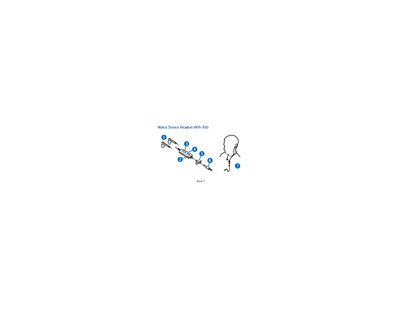
The manual explains how to connect the Nokia WH-700 stereo headset to compatible Nokia devices using either the built‑in 3.5 mm AV connector or the supplied AD‑S2 adapter for 2.5 mm connectors, as well as how to use the headset with standard 3.5 mm audio devices. It also describes how to wear the headset correctly and warns about magnetic interference with credit cards and other storage media.
Operating instructions cover volume adjustment, call handling (making, answering, rejecting, and ending calls), and the limitations when using the AD‑63 adapter for music playback only. The guide includes care and maintenance advice, safety warnings, and instructions for servicing the headset through an authorized service facility.
Connect the supplied AD‑S2 adapter to the headset plug, then plug the adapter into the device’s 2.5 mm AV connector.
Press the volume key (4) up or down to increase or decrease the volume.