
This document describes the features and characteristics of the Nokia Stereo Headset HS-16.
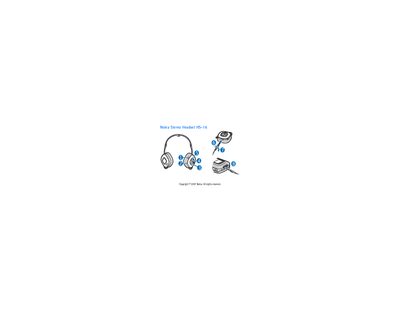
The HS-16 Stereo Headset lets you make and answer calls and listen to music from a compatible device. It includes magnetic parts, so keep it away from credit cards and other magnetic storage media.
The manual explains how to connect the headset with the appropriate cable, lock the plug, place the headset, handle calls, adjust volume, and maintain the device safely.
| Compatible connector (Nokia devices) | 2.5 mm or 3.5 mm AV connector |
|---|---|
| Standard audio connector (PC/music player) | 3.5 mm audio plug |
| Cable types | Nokia AV 2.5 mm, Nokia AV 3.5 mm, 3.5 mm |
Turn the plug clockwise to lock it; turn it counter‑clockwise to unlock.
Press the volume up key (4) to increase or the volume down key (5) to decrease the volume.
Use the cable labeled “3.5 mm” and connect one plug to the headset and the other to the device.