
Nokia Stereo Headset WH-600 is a wireless Bluetooth headset that can be paired with compatible Bluetooth-enabled phones, tablets and laptops.
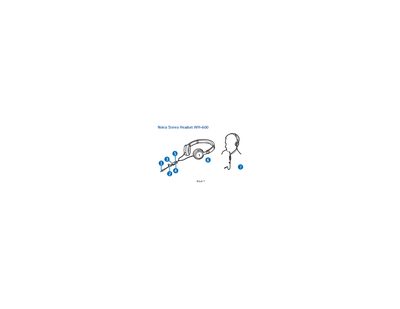
This manual explains how to connect the Nokia WH-600 stereo headset to compatible Nokia devices using either the 3.5 mm or 2.5 mm AV connectors, as well as how to use the supplied AD‑S2 or AD‑63 adapters for other devices. It covers basic operations such as adjusting volume, making and answering calls, and using the headset for music playback.
Safety and maintenance guidelines are included, advising users to keep the headset dry, avoid magnetic storage media, store it away from extreme temperatures, and not attempt to open or modify the device. Proper care helps maintain performance and warranty coverage.
| Connector type (Nokia devices) | 3.5 mm AV connector |
|---|---|
| Connector type (Nokia devices) | 2.5 mm AV connector |
| Adapter for standard devices | AD‑63 adapter |
Press the volume key (button 4) up or down to increase or decrease the volume.
Use the supplied AD‑63 adapter to connect the headset plug to the device’s 3.5 mm audio connector.