
This is an installation guide for a glare filter. The filter can be installed on a plasma display. To use the filter, first stick the filter on the glass surface of the display, then use the clips to fix the filter on the display.
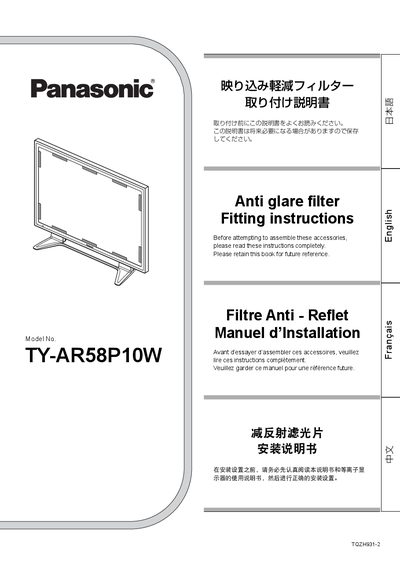
This manual provides step‑by‑step instructions for attaching and removing the anti‑glare filter (model TY‑AR58P10W) on Panasonic plasma displays. It includes safety warnings, required tools, and detailed procedures for both attachment and removal.
The guide emphasizes that installation should be performed by a specialist while wearing the supplied gloves, and it describes the correct positioning of the filter attachment clips and how to handle the protective film to avoid damage to the screen.
| Filter type | Anti‑glare filter |
|---|---|
| Number of attachment clips | 12 (including 2 spare) |
Attach the top and bottom clips about 30 mm from the glass surface, and the side clips about 200 mm from the left and right edges.
The supplied gloves must be worn, and the filter should only be installed or removed by a specialist.
The kit includes 12 attachment clips, of which 2 are spare.