
This document is the operating instructions for the Panasonic PT-AE4000U LCD projector. It includes important safety notices, power supply requirements, and instructions for connecting, operating, and adjusting the projector.
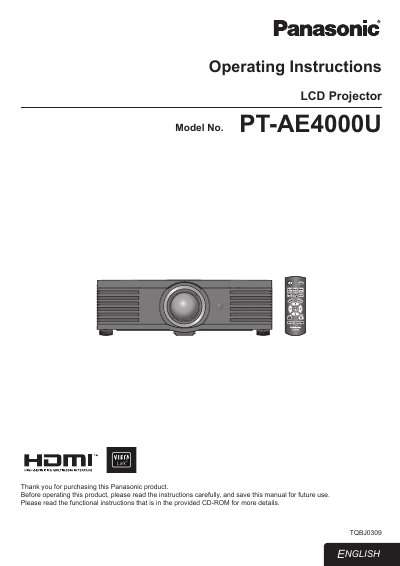
This manual covers important safety notices, power requirements, and proper handling of the PT‑AE4000U LCD projector. It explains how to set up the device, connect external sources, use the remote control, and adjust image settings such as lens focus, zoom, and menu navigation.
Additional sections describe routine maintenance, lamp replacement, cleaning procedures, and troubleshooting tips. Installation advice, including ceiling‑mount requirements and high‑altitude operation, is also provided to ensure reliable performance and user safety.
| Power supply voltage | 100 V – 240 V, 50 Hz/60 Hz AC |
|---|---|
| Lamp type | High Intensity Discharge (HID) lamp containing mercury |
| Grounding plug | Three‑pin grounding‑type power plug |
The projector can be powered from 100 V to 240 V AC at either 50 Hz or 60 Hz.