
The document describes the features and characteristics of Philips' DVD home theater products, including video resolution up to 1080p and EasyLink functionality.
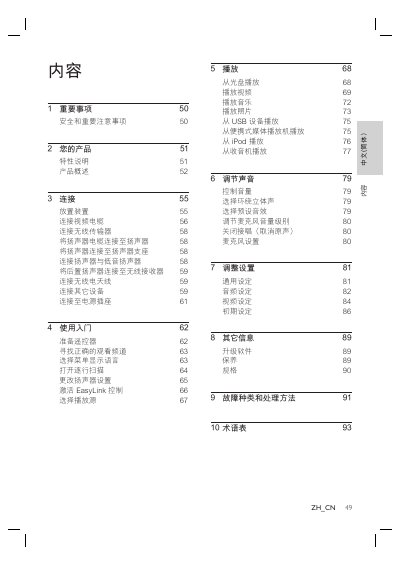
This manual provides step‑by‑step instructions for installing and using the Philips DVD Home Theater. It covers safety precautions, product features, connection methods, basic operation, playback functions, sound adjustment, and system settings.
The document also includes specifications, software upgrade information, maintenance tips, a glossary of terms, and troubleshooting procedures to help resolve common issues. This manual is written in Chinese.
| Total output power (home theater mode) | 1000 W |
|---|---|
| Speaker frequency response | 180 Hz ~ 18 kHz / ±3 dB |
| Signal‑to‑noise ratio (A‑weighted) | > 60 dB |
| Maximum video resolution | 1080 p |
| Audio DAC resolution | 24 bit / 96 kHz |
| Power consumption | 180 W |
Connect an HDMI cable from the unit’s HDMI OUT connector to the TV’s HDMI IN connector; the TV must support HDMI/HDCP.
Press and hold the AUDIO SYNC button, then use the VOL + / ‑ buttons to set the desired delay time.
Check that the correct video input is selected on the TV, verify the HDMI or other video cable, and reset the unit by unplugging it for a few minutes before reconnecting.
Refer to the “Upgrade Software” section (page 89) for instructions on downloading and installing the latest firmware.