
This document describes the features and functions of the Philips SPM5900 mouse, including scroll wheel, left and right click buttons, optical sensor, and integrated cable management. It also provides information on product recycling and system requirements.
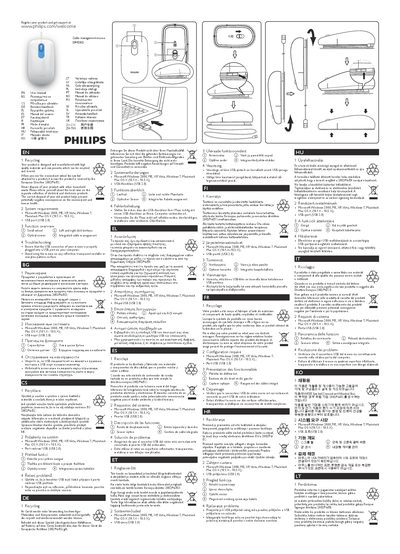
The SPM5900 is a cable‑management mouse that combines a scroll wheel, left‑ and right‑click buttons, an optical sensor and an integrated cable‑organiser for a tidy workspace.
The manual lists compatible operating systems, describes the mouse’s functions, and offers troubleshooting steps such as checking the USB connection and avoiding reflective or patterned surfaces.
| Interface | USB 2.0 |
|---|---|
| Operating system compatibility | Windows 2000, ME, XP, Vista, Windows 7; Mac OS X 10.1‑X‑10.5‑X |
It works with Microsoft Windows 2000, ME, XP, Vista, Windows 7 and Macintosh Mac OS X 10.1‑X to 10.5‑X.
Make sure the USB connector is properly plugged into a USB port and avoid using the mouse on reflective, transparent, metallic or patterned surfaces.