
This manual introduces how to use the Philips PhotoFrame (SPF5008/SPF5208/SPF7008/SPF7208/SPF7010/SPF7210).
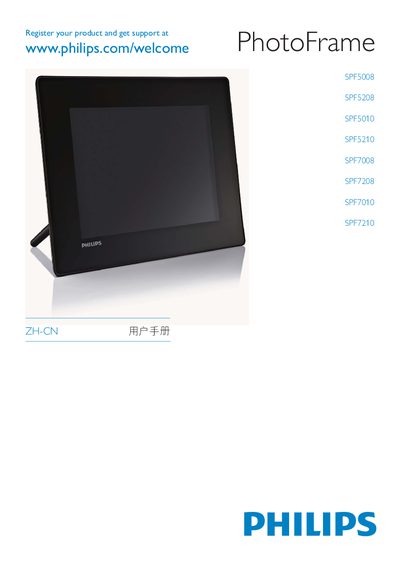
This manual covers registration, safety warnings, and quick‑start instructions for Philips PhotoFrame digital frames. It explains how to register the device at the Philips website, outlines EMC and CE compliance, and provides guidance on proper placement and ventilation.
The document also details supported storage options (USB, CF, SD/MMC/xD), describes the Philips PhotoFrame Manager software, lists hazardous substance information, and includes third‑party software licensing notices. Environmental and EMF information are provided for compliance with regional regulations. This manual is written in Chinese.
| Compliance standards | EN60950-1, EN55022, EN55024, EN61000-3-2, EN61000-3-3 |
|---|---|
| Registration website | www.philips.com/welcome |
You can register the device at www.philips.com/welcome.
A quick start guide is included at the beginning of the manual under "Quick start guide".