
This document is the user manual for Philips MCD120 1 DVD audio system, including the features, characteristics, and usage instructions of the product.
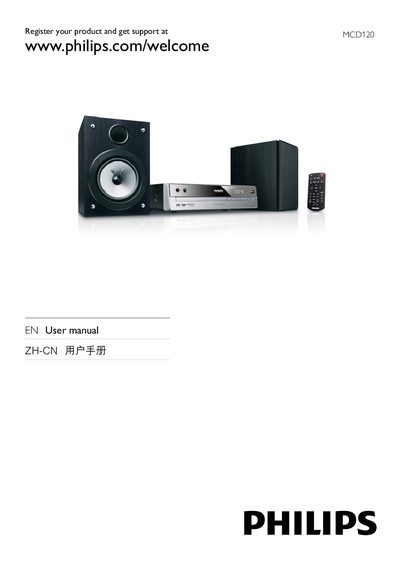
This manual guides users through setting up and operating the Philips MCD120 DVD mini theater. It includes instructions for connecting components, using the remote, playing media, adjusting settings, and handling safety precautions. Safety warnings and environmental information are also provided, including details on hazardous materials and proper disposal.
| Supported Media Formats | DVD/AMVCD/SVCD or USB |
|---|---|
| Supported DVD Region Codes | DYD Region Code |
| Environmental Protection Use Period | 10 years |
You can change the system menu language using the remote control or setup menu.
You can watch DVD/VCD/SVCD or USB content, enjoy music from discs or USB devices, and view pictures from discs or USB devices.
Select the TV system that matches the connected TV.
Yes, the manual includes changing the system menu language.