
SPA3210 is a multimedia speaker that supports Windows® 98SE, Windows® ME, Windows® 2000, Windows® XP, or Windows® Vista™ Mac OS9/OS® X, etc. It can be connected to the audio output of the computer through the audio plug. The volume knob can be used to turn on and off the speaker, and the indicator light on the speaker can be used to check the speaker status.
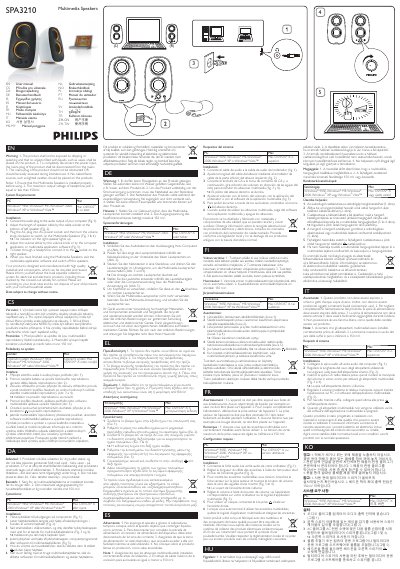
The SPA3210 multimedia speakers from Philips are compact stereo speakers designed for use with computers. This manual explains how to install the speakers, connect them to a computer, and operate them safely.
Key procedures include plugging the AC power cord, turning the volume knob clockwise to power the speakers, adjusting volume with the knob or computer software, and connecting headphones to the socket on the right speaker. Safety warnings cover keeping liquids away, avoiding open flames, and ensuring the power plug is accessible. The manual also outlines recycling guidelines for the product.
| Maximum headphone jack output voltage | ≤150 mV |
|---|
The maximum output voltage of the headphone jack is equal to or less than 150 mV.
Plug the AC plug into an AC power socket and turn the volume knob clockwise to switch on the multimedia speakers.
You can adjust the volume using the volume knob on the speaker or via the computer or multimedia application software.
Connect the headphones to the socket on the right speaker.