
The D-Link DGE-530T 10/100/1000 PCI Adapter supports three speeds: 10/100 Mbps, both half and full duplex, and 1000 Mbps at full duplex. When running at 1000 Mbps, it provides a throughput of 2 Gbps in Full duplex mode.
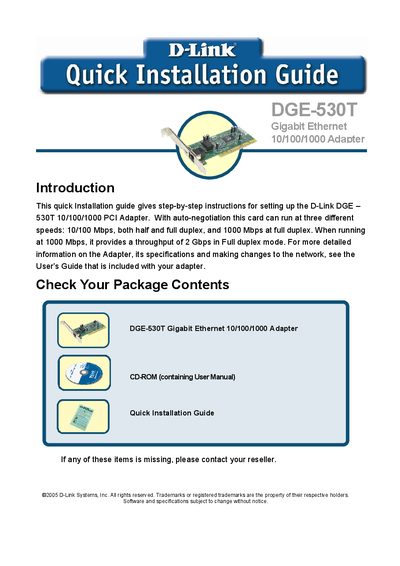
This guide provides step‑by‑step instructions for installing the D-Link DGE‑530T Gigabit Ethernet PCI adapter, including checking the package contents, hardware installation, and driver setup.
It also explains the required network cable, points to the full User's Guide for detailed specifications, and lists contact information for D-Link technical support in the United States and Canada.
| Interface | PCI |
|---|---|
| Supported Speeds | 10/100/1000 Mbps auto‑negotiated |
| Maximum Throughput | 2 Gbps full‑duplex |
| Cable Requirement | Category 5e, up to 100 m |
The package contains the DGE‑530T adapter and a CD‑ROM with the user manual.
Insert the driver CD that came with the adapter, run the installer, and follow the on‑screen wizard.
Use a Category 5e cable; link lengths are limited to 100 meters.
Call D‑Link Technical Support at (877) 453‑5465, available 24 hours a day, seven days a week.