
This document is an installation guide for D-Link Systems, Inc. DWL-8200AP. It provides the minimum system requirements and hardware installation steps. Additionally, it also describes the steps for installation and configuration using the setup wizard.
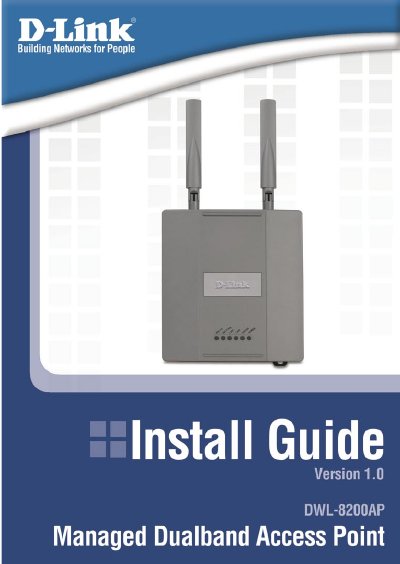
The guide walks you through connecting the DWL-8200AP to power and network. You attach the Ethernet cable to the LAN 1 (PoE) port, connect the PoE base unit to your router or PC, and plug in the power adapter.
After the hardware is installed, open a web browser, go to http://192.168.0.50, and run the Setup Wizard. The wizard lets you choose a security mode (No Security, WEP, or WPA‑Personal), set the SSID, channel, and encryption keys for both 802.11a and 802.11g networks, and finish with a restart of the device.
| Default SSID | default |
|---|---|
| Default channel (802.11a) | 52 |
| Default channel (802.11g) | 6 |
| Supported WEP encryption lengths | 64-bit, 128-bit, 152-bit |
| Group Key Update Interval | 1800 seconds (30 minutes) |
Open a web browser, type http://192.168.0.50 in the address bar, press Enter, and click Run Wizard.
The group key update interval is set to 1800 seconds (30 minutes) by default.