
This document describes the configuration method of DWL-7700AP wireless AP/bridge and the included accessories. The DWL-7700AP is an outdoor wireless device with dual dipole antennas. It is recommended to use a computer connected to a switch to configure the DWL-7700AP, which has a default IP address of 192.168.0.50 and a subnet mask of 255.255.255.0. Before configuring the DWL-7700AP, it is necessary to assign a static IP address to the computer within the same range as the DWL-7700AP's IP address. The document also provides instructions for installation using the PoE base unit.
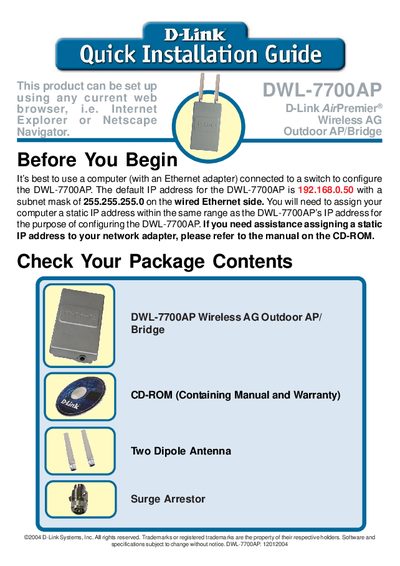
This guide walks you through preparing a computer with a static IP address, checking the package contents, and safely installing the DWL-7700AP outdoor wireless AP. It includes important safety and grounding requirements, as well as two mounting options with the supplied kits.
The document also provides technical support contact details for U.S. and Canadian customers, and points to D-Link’s website for software updates and additional documentation.
| Default IP address | 192.168.0.50 |
|---|---|
| Subnet mask | 255.255.255.0 |
The default IP address is 192.168.0.50 with a subnet mask of 255.255.255.0.