
The document introduces the features and characteristics of Panasonic's LCD projectors PT-X610 / X510, including low standby power, dust-proof design, basic functions, and convenient features.
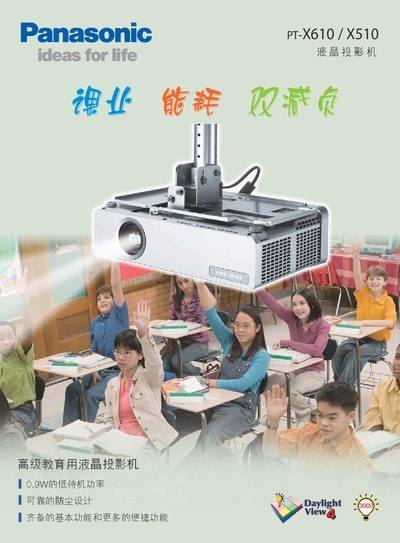
This manual covers the Panasonic PT‑X610 and PT‑X510 LCD projectors, detailing how to set up, operate, and maintain the devices. It includes quick‑start steps, automatic image adjustments, and guidance for connecting audio and video sources.
Key features highlighted are the low‑power standby mode (0.9 W), a proprietary dust‑protection system with sealed knobs and electrostatic filters, quick start within about 3 seconds, and various convenience functions such as whiteboard mode, dual‑screen display, and remote‑control shortcuts. This manual is written in Chinese.
| Typical Power Consumption | 300 W |
|---|---|
| Standby Power (Energy‑Saving Mode) | 0.9 W |
| Brightness | 3200 lm |
| Contrast Ratio | 500:1 |
| Resolution | 1024 × 768 |
| Weight | ≈2.96 kg |
The projector uses about 0.9 W in the energy‑saving standby mode.
Panasonic’s dust‑protection design includes sealed touch‑sensor keys, a lens cover, knob covers, a convection exhaust structure, and a micro‑hole electrostatic filter to keep dust out of the optics.
The quick‑start function allows projection to begin about 3 seconds after turning the power on.
The unit weighs approximately 2.96 kg, making it easy to transport.