
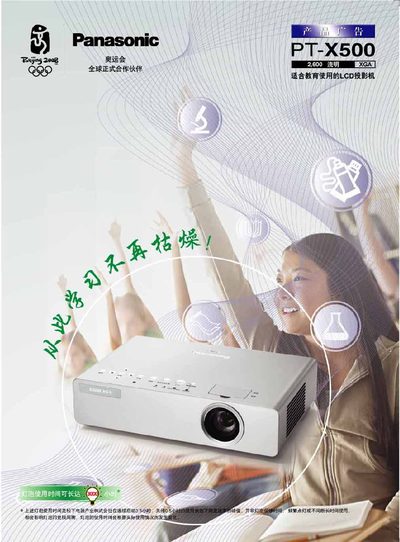
This manual describes the PT‑X500’s dust‑prevention design, fourth‑generation strong light sensor technology, and various operating features such as quick start, low‑noise mode, and energy‑saving functions. It also covers installation options, including tabletop and ceiling mounting, and details the multi‑function ports and remote control operation.
Technical specifications, lamp‑replacement instructions, safety warnings, and a list of supported languages are provided, along with troubleshooting tips and warranty information. This manual is written in Chinese.
| Brightness | 2600 lumens |
|---|---|
| Power Supply | 100‑240 V, 50/60 Hz |
| Resolution | 1024 × 768 |
It completes basic picture adjustment within 3 seconds.
The working noise is reduced to 29 dB.
Yes, the lamp can be replaced from the rear of the projector even when it is installed on the ceiling.