
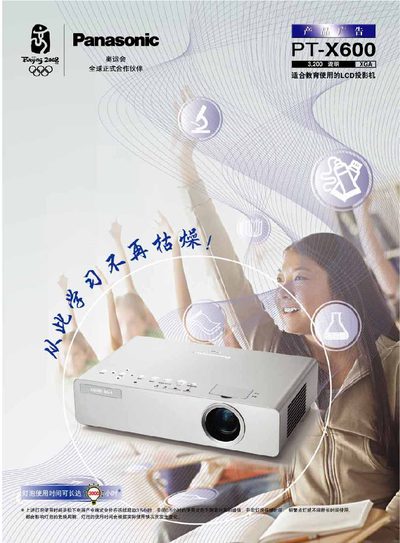
This manual covers safety precautions, installation steps, and basic operation of the Panasonic PT‑X600 LCD projector. It includes wiring diagrams, connector descriptions, and power‑up procedures to help users get the projector running quickly and safely.
Technical specifications such as input voltage range, video resolution, and interface details are listed, along with maintenance tips and troubleshooting guidance. The document also provides part numbers for accessories and service information for field technicians.
| Input voltage | 100‑240 V |
|---|---|
| Native resolution | 1024 × 768 |
| Interface | RS‑232C |
| Video connector | D‑sub 9‑41 (RS‑29290) |
The PT‑X600 operates on an input voltage of 100 V to 240 V.
It uses a D‑sub 9‑41 connector (RS‑29290) for video input.
Yes, the projector includes an RS‑232C interface.