
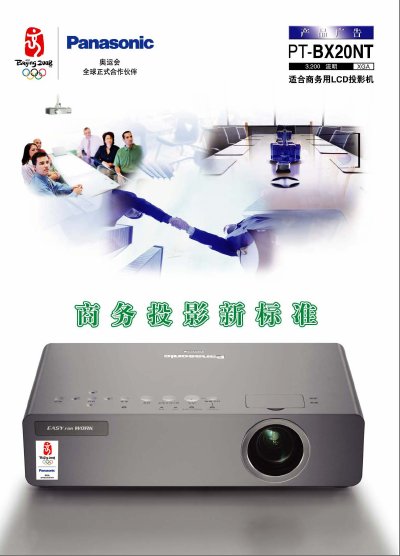
This manual describes the features and operation of the Panasonic PT‑BX20NT LCD projector. It covers the anti‑dust design with touch‑sensing control keys and a micro‑hole electrostatic filter, as well as the fourth‑generation strong‑light sensor that adjusts brightness and contrast automatically.
The guide also explains the wireless projection functions, including onsite mode, multi‑site mode, auxiliary screen transmission, selective‑area projection and up to 16‑window indexing. Installation, quick‑start, lamp replacement, and connection options are detailed, along with full technical specifications. This manual is written in Chinese.
| Brightness | 3,200 lumens |
|---|---|
| Resolution | 1024 × 768 (XGA) |
| Lamp Power | 220 W |
| Contrast Ratio | 500:1 |
| Power Consumption | 300 W |
| Video Input | D‑sub 15‑pin |
| Wireless Standard | IEEE 802.11b/g |
The projector features a 3‑second quick start that performs basic image adjustments automatically.
It uses touch‑sensing control keys and a micro‑hole electrostatic filter to reduce dust entering the optical components.
Yes, the lamp can be changed from the rear of the projector even when it is installed on the ceiling.