
This document introduces the safety information for Lenovo desktop and notebook computers, including safety guidelines, selecting a work environment, etc.
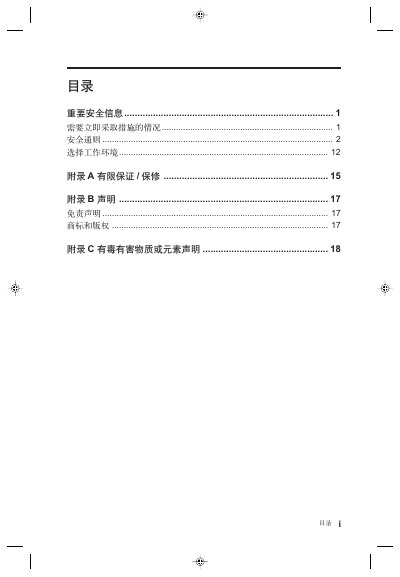
This guide provides important safety information for using Lenovo desktop computers. It explains the hazards that can arise from improper use, such as overheating, electrical shock, and battery damage, and gives step‑by‑step instructions on how to avoid them. The document also details the recommended operating environment, proper handling of power adapters, external devices, and battery safety.
Additional sections cover warranty limits, legal disclosures, and statements about hazardous substances in the product. Users are instructed to consult Lenovo support for any safety concerns, and to follow the specified environmental specifications for optimal performance. This manual is written in Chinese.
| Power supply voltage | 220V ±22V, 50Hz ±1Hz |
|---|---|
| Operating temperature | 10 °C – 35 °C (50 °F – 95 °F) |
| Relative humidity | 35 % – 80 % |
| Storage temperature | -40 °C – 55 °C |
| Storage relative humidity | 20 % – 93 % (40 °C) |
| Atmospheric pressure | 86 kPa – 106 kPa |
Do not connect or disconnect USB, 1394, or other external device cables while the computer is powered; wait at least five seconds after power‑off before disconnecting.